Keep your project ideas in orbit
Keep your ideas from drifting into space.
Project Orbit is a desktop app for organizing project ideas, notes, references, and linked files in one visual creative workspace.
Pinned inner ringKeep important projects close to the core.
Local-first notesWrite and return without cloud clutter.
One-click file launchOpen linked project files from Orbit.
Visual referencesAttach sketches, screenshots, and moodboards.
Solar system viewMap entire idea worlds at a glance.
Project Orbit
Orbit View
Project
Orbit
Orbit
What Project Orbit does
A home for creative ideas before they disappear.
Project Orbit gives makers a visual system for capturing concepts, collecting context, and returning to unfinished ideas when the moment is right.
Capture project ideas before they drift away
Seed new concepts into Orbit the moment they appear, then keep them visible until they are ready.
Organize ideas into custom orbits
Create separate creative systems for apps, client work, videos, design experiments, or personal builds.
Pin important projects
Keep priority concepts in the inner ring so the most meaningful ideas stay close.
Save long-form notes
Capture the feeling, structure, next step, and rough thinking behind every project idea.
Attach visual reference images
Add screenshots, sketches, moodboards, concepts, or visual sparks directly to the project.
Link local project files
Connect design files, documents, folders, builds, and assets without moving the originals.
Search projects instantly
Find a concept by name and jump straight back into its orbit, notes, and references.
Open files directly from the app
Return to the actual working files behind an idea with one click from the idea board.
Visual orbit system
Map your ideas like a creative solar system.
Each orbit holds projects, references, notes, and linked files. Zoom into one orbit for focused work, or pull back into Solar System View to see every creative system at once.
Orbit View
Project nodes drift around a central core, making ideas spatial and memorable.
Solar System View
Custom orbits become a larger map of your creative universe.
Design Lab8 projects
Apps5 projects
Client Work4 projects
Experiments11 projects
Idea board
Every project gets a place to gather its gravity.
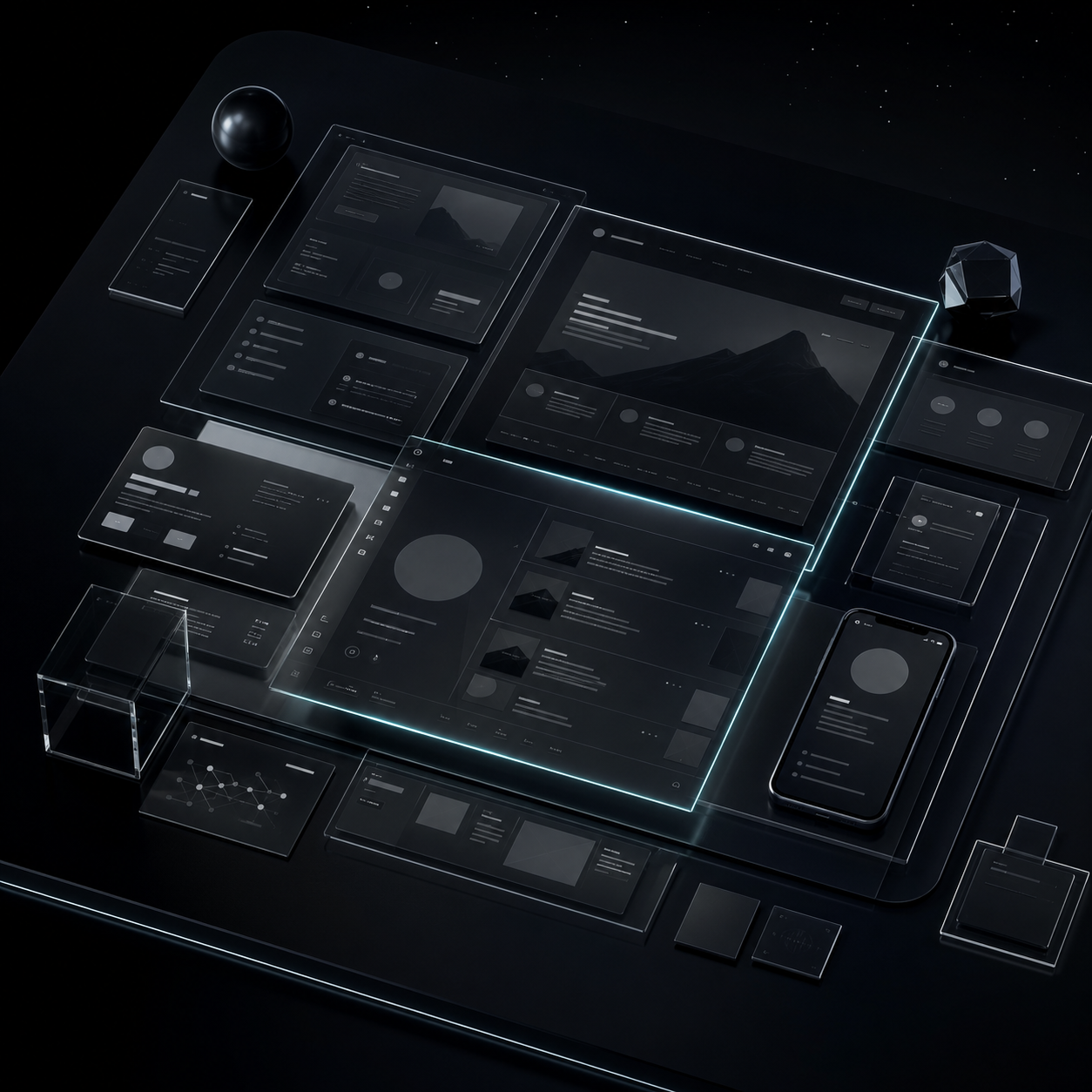
Open a project node and its idea board becomes the creative cockpit: title, orbit, notes, references, file links, and the save action all stay in one focused panel.
Idea Board
Pinned Project
Interactive portfolio concept
Design Lab
A cinematic portfolio that opens with a floating archive of case studies, references, and motion experiments.
Pin project

portfolio-wireframe.figOpen
motion-test.mp4Open
Local-first storage
Your project universe stays on your machine.
Your project data stays stored locally on your machine. Images are copied into the app's local data folder, and linked files stay connected to their original paths.
Local
Data
Data
Notes and project recordsStored locally through the desktop app data layer.
Imported imagesCopied into the app's local image folder so references stay available.
Linked filesRemain in their original locations and open with your system default apps.
Fast return workflow
Pick up the thread without rebuilding the whole context.
Return Signal brings you back to the console when an idea is ready for attention again, helping old project sparks become reachable instead of buried.
Return Signal
Project Orbit // Return Signal
Your ideas are still in motion. Re-enter the console and get back to work.
Windows download
Ready to launch your ideas?
Install Project Orbit for Windows and start building a visual creative workspace for project ideas, notes, references, and linked files.
Windows desktop app. Auto-updates powered by GitHub Releases.